Save from anywhere
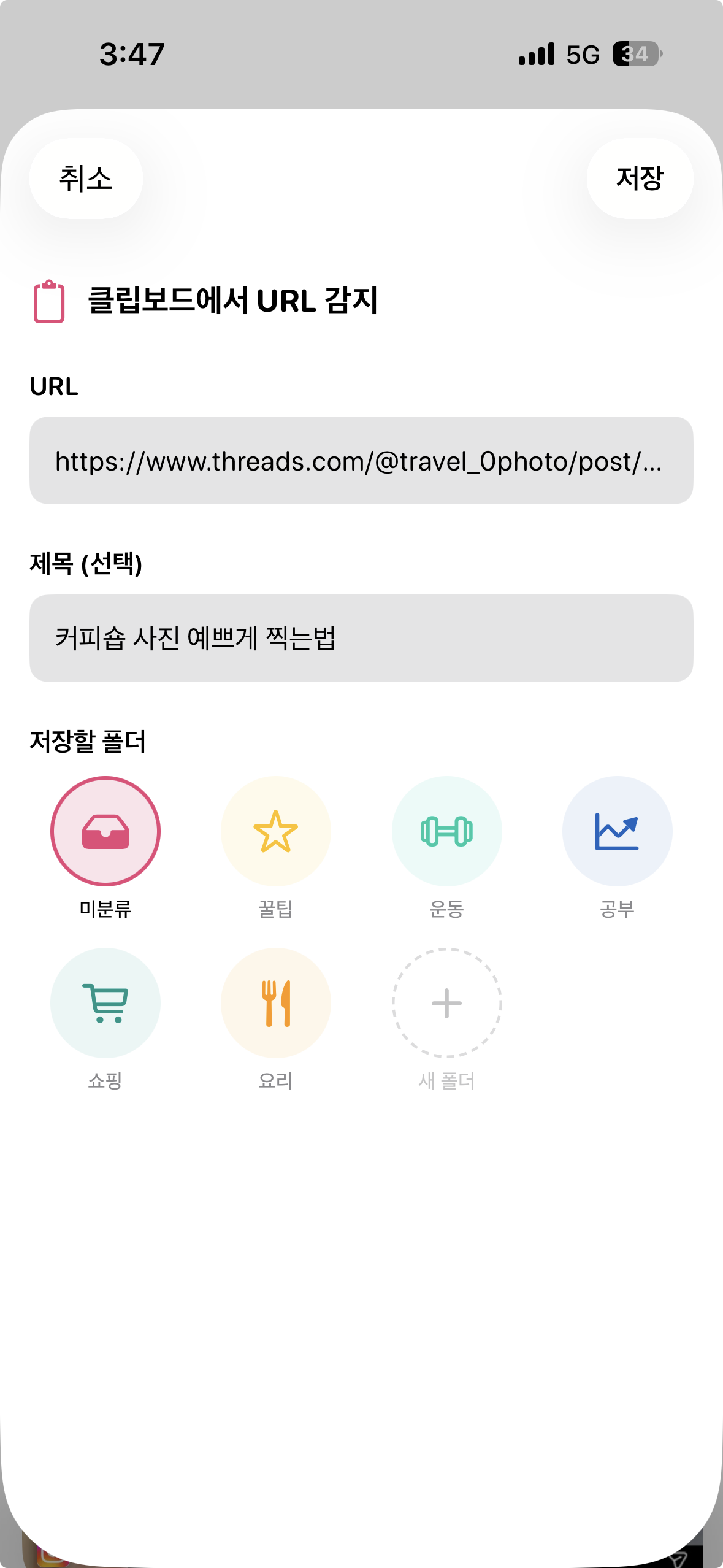
Send anything to Stashhh with one tap from Safari, apps, or Photos.
 Stashhh
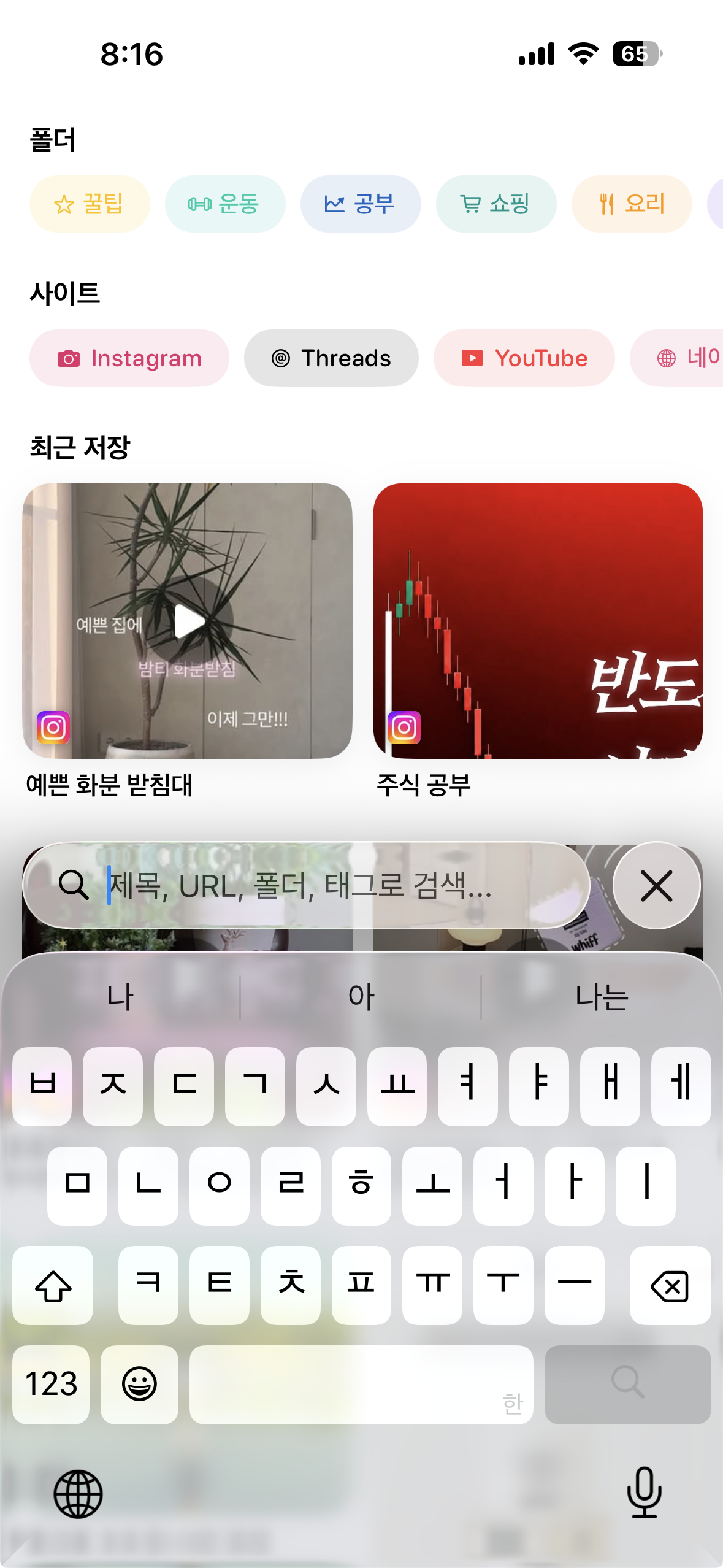
✦ Save once. Find it again.
Save links, screenshots, shopping finds, and app content with a single share — then pull them back with folders and search. The all-in-one iPhone clipboard that never loses what you saved.
 Google Play soon
🧩 Save anything
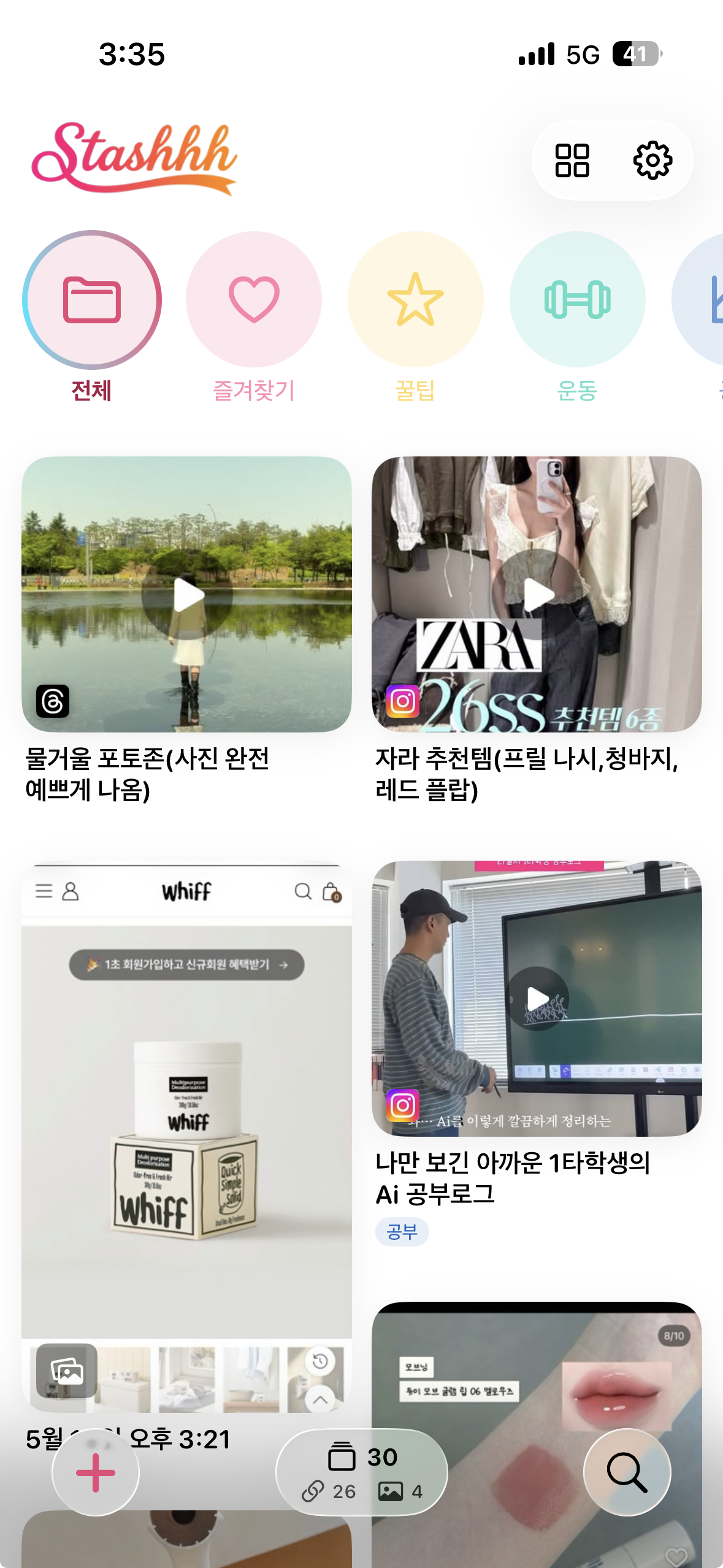
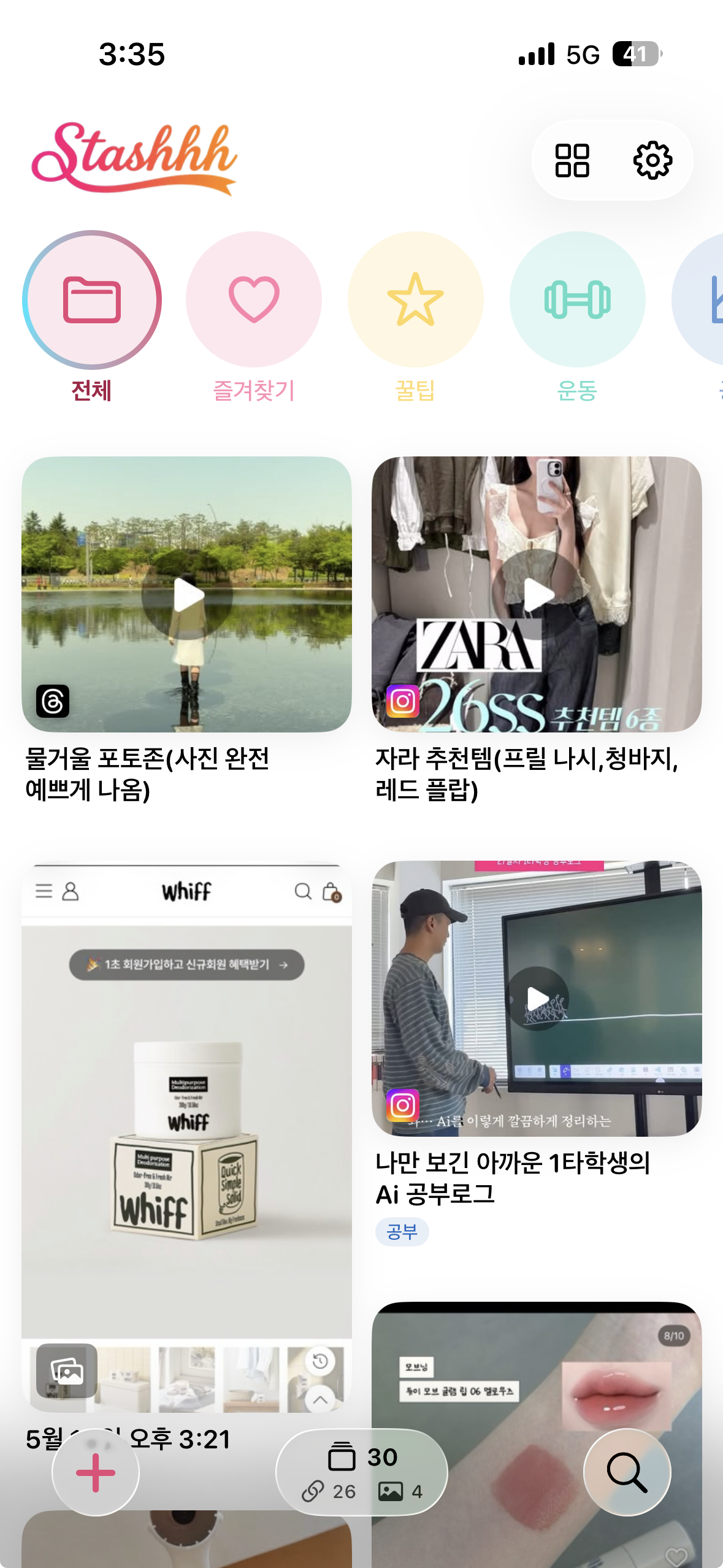
Not just bookmarks — Stashhh keeps the stuff you need to revisit as cards: metadata, screenshots, OCR text, folders, and notes, all together.
Send anything to Stashhh with one tap from Safari, apps, or Photos.
Text inside your screenshots is recognized and searchable too.
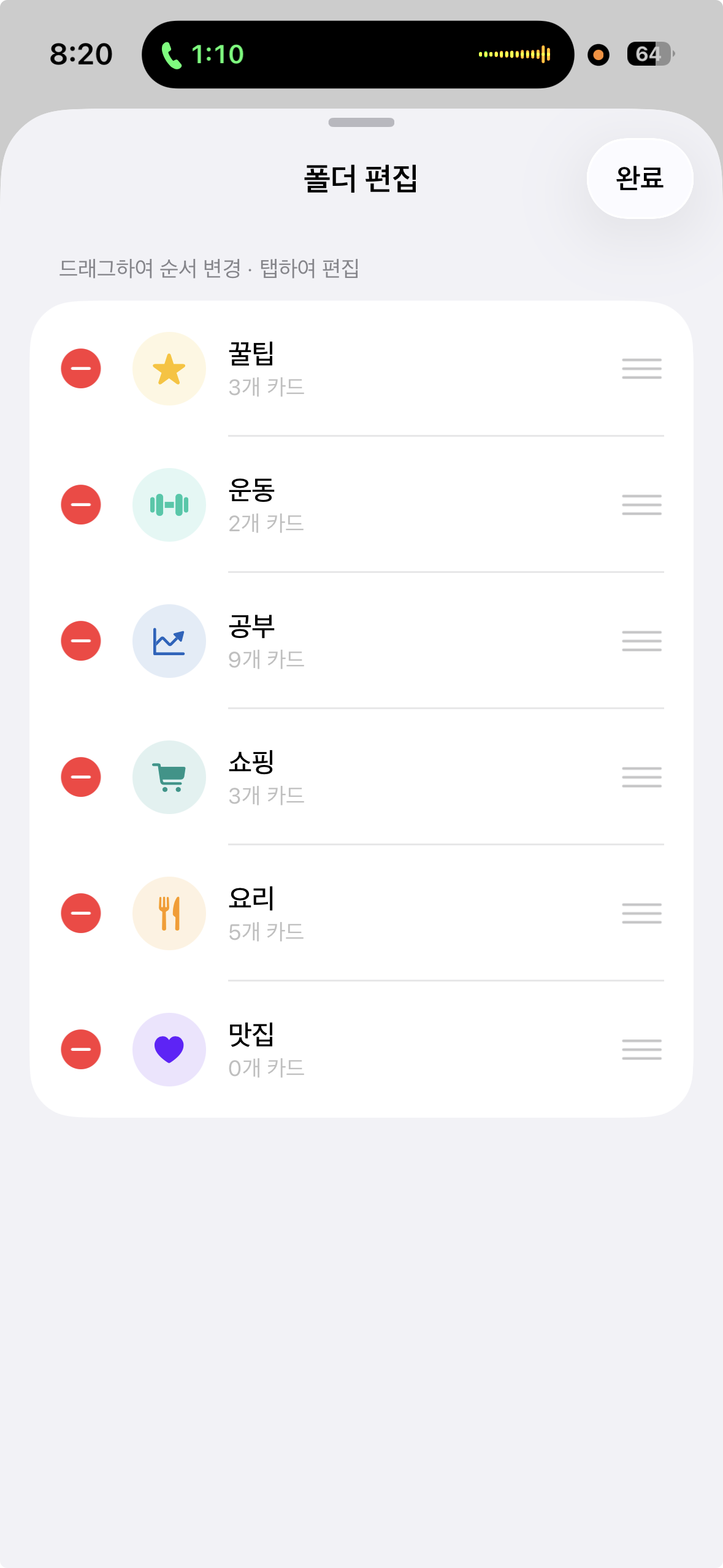
Sort by flow — projects, shopping, recipes — neatly organized.
Sign in to back up your saves and pick up anywhere.
🪄 Save · Sort · Search
Save URLs & images with the share button.
Keep metadata, screenshots & notes together.
Group by flow into folders to revisit.
Find by title, URL, even OCR text.
📱 Real screens
⬇️ Download Stashhh
Free on iPhone. Save links, screenshots, and shopping finds in one place — and find them again instantly.
Google Play soon