
A title that makes sense
Even when the link title is a mess,
you can tell what it is at a glance
Save links, screenshots and reels with one tap on the share button, and AI files and summarizes them.
Products get prices compared across stores, and restaurants and cafés land on a map.
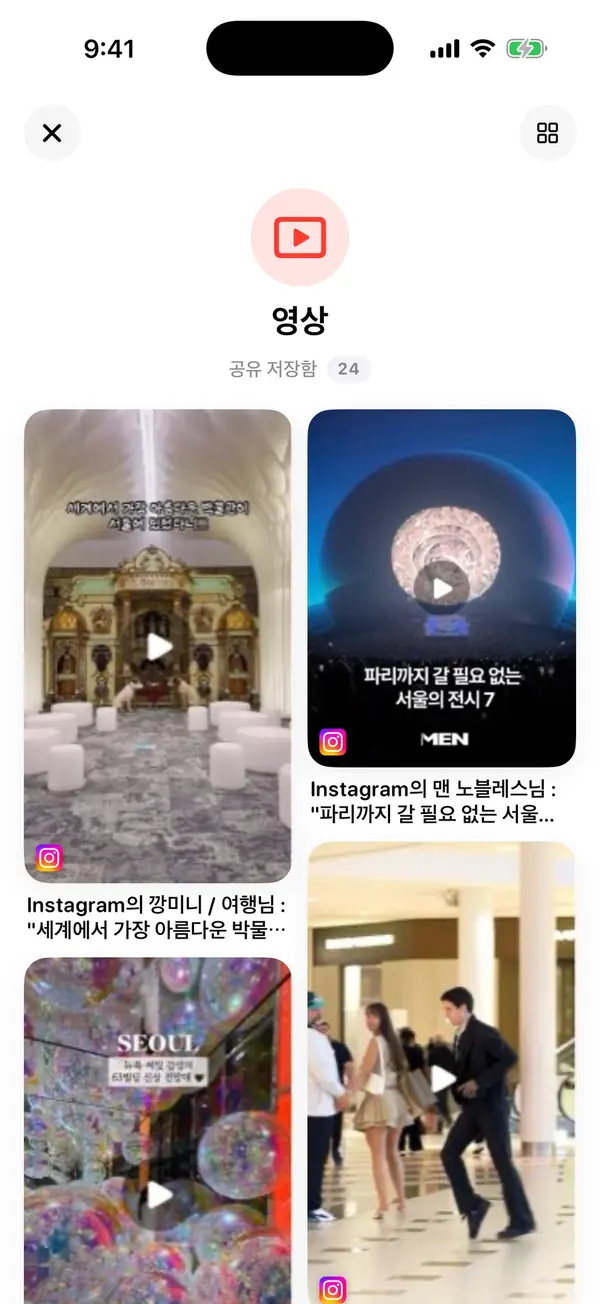
Reels, YouTube, shopping apps, browsers, screenshots — save from anywhere.
Stashhh sees where it came from and pulls out what matters first.

No switching apps,
no copying and pasting links.
StashhhAdd it once
The moment you save, AI reads what’s in the link or screenshot.
So you never reopen something and wonder why you saved it.
Even when the link title is a mess,
you can tell what it is at a glance
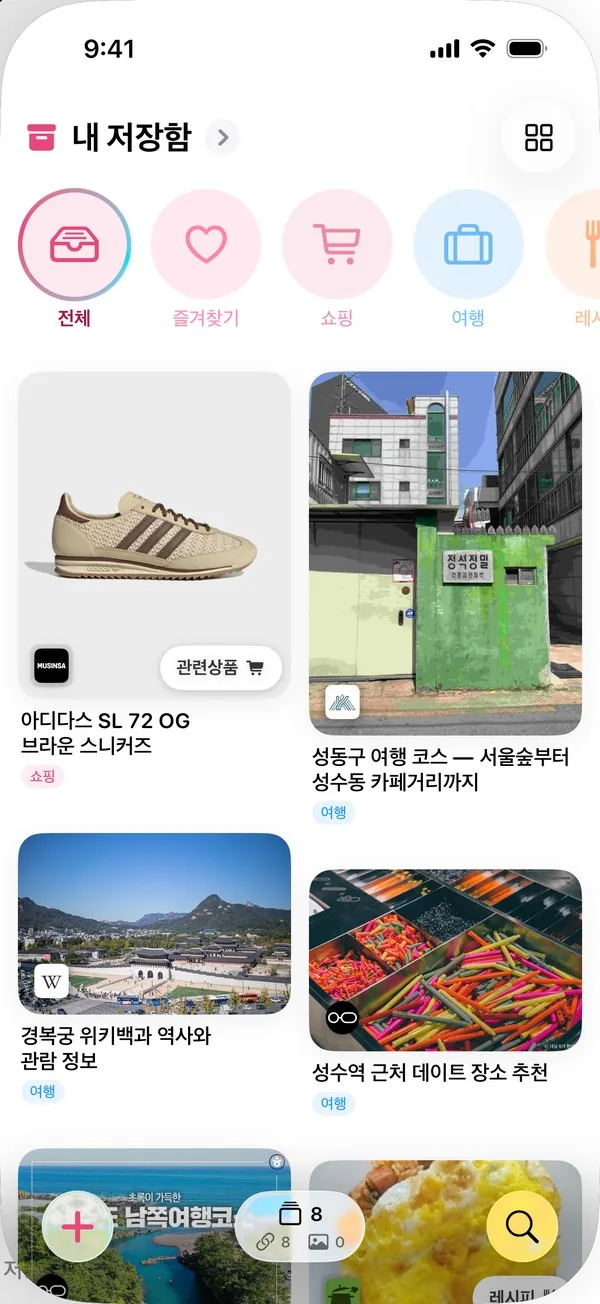
Shopping, travel, recipes —
every save finds its place
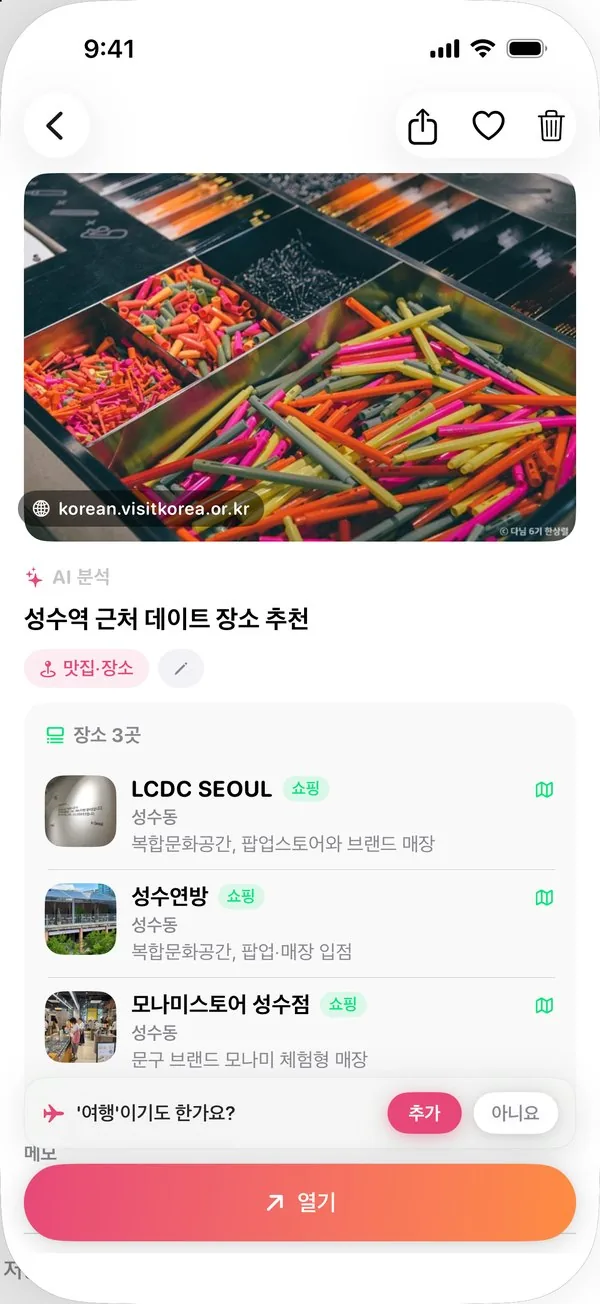
Three spots in one post,
each with a one-line note
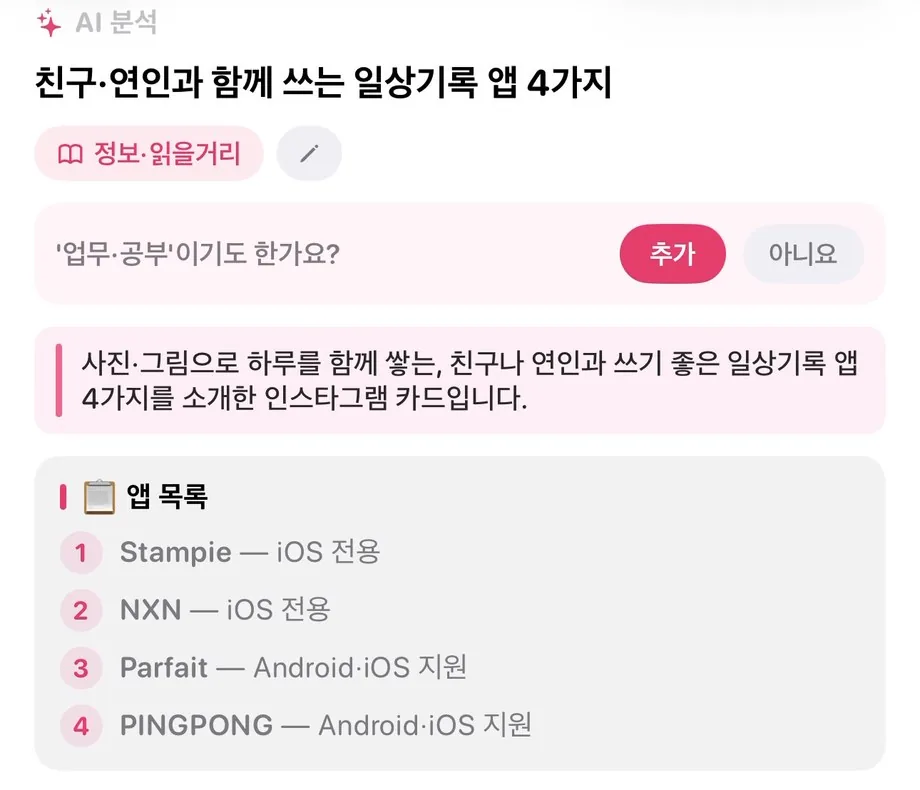
A post recommending apps becomes
a one-line summary and an app list.
If it fits another topic too,
it asks before filing it there.
Every screen on these cards is the real app. The app is in Korean for now.
Save a product link or screenshot and Stashhh finds the same item across online stores and lines up the prices.
Price comparison currently covers Korean online stores. Store links shown in price comparison and related products may be affiliate links, and Stashhh may earn a commission on purchases. Your saved original links are never changed.
Ingredients and steps laid out, with store prices for each ingredient.
AI finds the places in a post and gathers them on the Places map.
Type “Seongsu” and it searches text in photos and AI summaries too.
People you send it to can open it on the web, no app needed.
Subscribers get new-card alerts, and anyone with an edit link can add cards.
Connect it once to Claude or Codex over MCP, then search, tidy and save to your library in conversation.
https://stashhh.app/mcpIt only accesses your own library, and deletions run only after a preview. Disconnect any time in Settings › AI connect.
How to connectFind the Jeju restaurants I saved last month
Rename the cards in my Travel folder so they’re easy to scan
Save this link to my References folder
Show me unopened links and likely duplicates
Sign in and iPhone, Android and the web share one library in real time.
Save from the share sheet, import screenshots from Photos, and catch links you just copied.
App StorePick Stashhh from any app’s share menu. Foldable screens are supported too.
Google PlaySign in from any browser to see the library you built on your phone, with price comparison, places and shared folders.
Open the web appSave a copied link with ⌥⌘S and the browser tab you’re on with ⌥⌘L.
Coming soonA desktop app that sits in the tray for quick saves. Until then, please use the web.
Coming soonYes. The iPhone and Android apps and the web app at stashhh.app are free to download and use.
Yes. Choose Stashhh from the share button in Instagram or YouTube. The link is saved as a card with its thumbnail, and AI adds a title and summary from the post description.
Yes. Share screenshots from Photos or import them in the app. Text inside screenshots becomes searchable, AI summarizes them, and screenshots that show a product get a price comparison.
No. The original links you save are never changed. Only store links that Stashhh finds and shows you, such as price comparison results and related products, may be affiliate links, and Stashhh may earn a commission on purchases made through them.
You can start saving before you sign in. Once you sign in, the cards you saved carry over to your account.
Deleted cards stay in the trash for 30 days and can be restored any time during that period.
The app interface is currently in Korean, and price comparison covers Korean online stores. Saving, AI summaries, search and shared folders work with content in any language.
Reels, links, screenshots, wishlist finds. One share and it’s sorted.